30/10/2026
E-Way Bill for Courier 2026: Limit, Rules, Who Generates It
When a courier shipment needs an e-way bill, the ₹50,000 limit, who generates it, validity, edit and cancel rules, and penalty.
Read More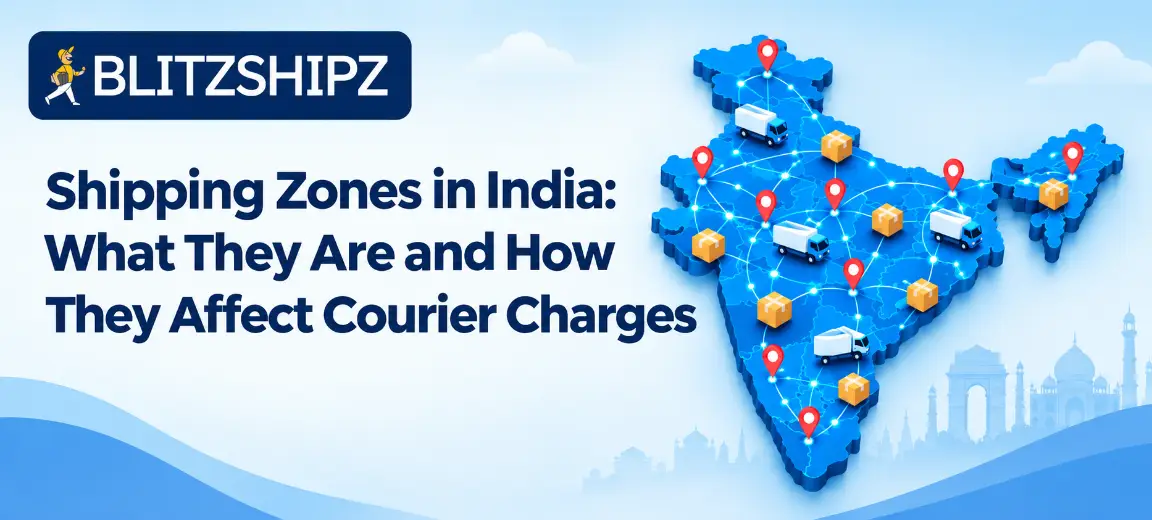
Shipping zones in India are groups of routes that couriers use to price and plan deliveries, based on how far apart the pickup and delivery pin codes are. A parcel sent within the same city usually falls in the cheapest zone, while a parcel sent to the North East or Jammu & Kashmir usually falls in the costliest one.
This guide to shipping zones in India explains what a shipping zone means, the five common courier zones, how your zone is decided, how zones change your courier charges and delivery time, and how to set zones in your Shopify, WooCommerce or Wix store.
Key facts
What it is: A shipping zone is a group of routes priced the same way, worked out from your pickup and delivery pin codes.
Common zones: Many domestic couriers and shipping platforms use five zones: within city, within state or region, metro to metro, rest of India, and a special zone for the North East and Jammu & Kashmir.
Price: Courier charges usually rise as you move from the within-city zone to the special zone.
Each courier sets its own rules: Zone names, limits and rates differ by courier partner, so always check the zone for your exact pin codes.
Store zones are different: The zones you set in Shopify, WooCommerce or Wix decide what your customer pays at checkout, not what the courier charges you.
At BlitzShipz: The rate calculator works out the zone from your two pin codes and shows rates from multiple courier partners before you book.
Want to know your zone and rate before you ship? Create a free BlitzShipz account and compare courier rates and serviceability for your pickup and delivery pin codes in one place. Sign up free →
A shipping zone is a group of delivery routes that a courier treats the same way for price and delivery time. Instead of setting a separate rate for every pair of pin codes in India, couriers group routes by distance and difficulty, and charge one rate per zone and weight slab.
The shipping zone meaning changes a little depending on who is using the word:
|
Term |
Who sets it |
What it decides |
|
Courier zone |
Your courier partner |
What the courier charges you to ship a parcel |
|
Store shipping zone |
You, in Shopify, WooCommerce or Wix |
What your customer pays for shipping at checkout |
Both matter. If your store zones do not match your courier zones, you can end up charging customers less for shipping than the courier charges you.
Many domestic couriers and shipping platforms in India group routes into five courier zones, often labelled Zone A to Zone E. There is no single official list, so each courier partner can define the names and limits a little differently.
|
Zone |
Usual name |
What it covers |
Example route |
|
A |
Within city |
Pickup and delivery in the same city |
Delhi to Delhi |
|
B |
Within state or region |
Pickup and delivery in the same state or nearby region |
Pune to Nashik |
|
C |
Metro to metro |
Pickup and delivery both in metro cities |
Mumbai to Bengaluru |
|
D |
Rest of India |
Most other routes across the country |
Jaipur to Patna |
|
E |
Special zone |
Routes to or from the North East and Jammu & Kashmir |
Delhi to Guwahati |
On the BlitzShipz rate calculator, these zones are described as within city, within region or up to 500 km, between metro cities, rest of India, and East India including Jammu & Kashmir. Always check your exact pin codes, because the special zone can differ by courier.
Your shipping zone is decided by two things: the pickup pin code and the delivery pin code. The courier checks where each pin code sits, how far apart they are and whether either one is in a metro or a special area, and then places the shipment in one zone.
That is why the same parcel can cost different amounts depending on where it goes. Send it across town and it falls in the within-city zone. Send it to another state and it moves to a higher zone.
The quickest way to know your zone is to enter both pin codes before you book. You can see what decides your shipping rate, including the zone, weight and serviceability, on the BlitzShipz rate calculator.
Shipping zones affect courier charges because a farther or harder route costs the courier more to cover. In most rate cards for shipping zones in India, the price for the same weight goes up from the within-city zone to the special zone.
Your final price depends on the zone and the chargeable weight together. Chargeable weight is the higher of the actual weight and the volumetric weight, so a light but bulky box can still cost more in every zone. Here is how volumetric weight is calculated.
Payment mode matters too. COD shipments carry a COD fee that prepaid shipments don't.
Courier charges within city are usually the lowest, because the parcel does not travel between hubs in different cities. If you sell to customers in your own city, low within city courier charges let you offer the fastest and cheapest delivery. BlitzShipz also offers same day delivery in 9 metro cities when you book before the city cutoff.
Courier charges within state are usually a little higher than within-city rates, but still lower than sending to another part of the country. The exact limit depends on the courier partner. Some use the state boundary, and others use a distance or region limit.
Metro to metro courier charges apply when both cities are metros. These routes are well connected, so they are often priced below the rest-of-India zone even when the distance is long.
Rest of India courier charges cover most other routes, such as a tier-2 city in one state to a town in another. This is usually one of the higher zones.
North East courier charges and Jammu and Kashmir courier charges usually fall in the special zone, which is usually the costliest. These areas can take longer to reach and may need extra handling, so couriers price them higher.
|
Zone |
Price compared with other zones |
|
Within city |
Usually lowest |
|
Within state or region |
Low |
|
Metro to metro |
Medium |
|
Rest of India |
High |
|
Special zone (North East, Jammu & Kashmir) |
Usually highest |
Yes, zones usually change delivery time as well as price. A parcel in the within-city zone usually reaches the customer fastest, sometimes the same day or the next day, while a parcel going to the special zone usually takes the longest.
Across shipping zones in India, delivery time also depends on the courier partner, the service you choose (express or standard) and how well your destination pin code is served. Check the delivery time shown for your exact route before you promise a date to your customer.
Shipping to every zone in India? BlitzShipz covers 28,000+ pin codes and lets you compare rates from multiple courier partners for each route, so you can pick the right option for each zone. Start shipping free →
You set store zones in your store's shipping settings by grouping regions and adding a shipping rate for each group. These zones decide what your customer pays at checkout. Try to set them so they roughly follow the courier shipping zones in India.
To set Shopify shipping zones:
In your Shopify admin, go to Settings and then Shipping and delivery.
Open the shipping profile you want to edit.
In the Shipping zones section, click Add zone.
Name the zone and choose the countries or regions to include, then click Done.
Click Add shipping option to set the rate customers pay for that zone.
A country or region can belong to only one zone within a shipping profile.
To set WooCommerce shipping zones:
Go to WooCommerce, then Settings, then Shipping, and click Add zone.
Enter a zone name and choose the zone regions, such as countries or states.
If you want, click Limit to specific zip/postcodes and enter one pin code per line.
Add a shipping method, such as flat rate or free shipping, and save your changes.
WooCommerce checks zones from top to bottom and uses the first match, so put your smallest zones (such as your own city) above larger ones (such as your state).
In Wix, you set zones as shipping regions:
Go to Shipping, delivery & fulfillment in your site's dashboard.
Click + Create Region and give it a name.
Add the destinations, such as a country or states within it.
Click Continue and choose a delivery method for the region.
If you run a custom website or app, you can connect it to BlitzShipz through the Open API instead of a store plugin. Your shipments then come into the same dashboard as your other orders.
Match your store zones to courier zones by creating one store zone for each courier zone you ship to most. Store platforms group areas by country, state or pin code, not by metro, so a simple setup for an Indian store looks like this:
|
Store zone |
What to include |
Courier zone it follows |
|
Local |
Your own city (using pin codes, where your platform allows it) |
Within city |
|
Home state |
Your state |
Within state or region |
|
Rest of India |
All other states |
Metro to metro and rest of India |
|
Special areas |
North East states and Jammu & Kashmir |
Special zone |
WooCommerce can limit a zone to pin codes. On other platforms, a city-level zone may need extra settings or an app.
Then set each store zone's shipping rate based on what your courier partners charge for that zone. You can connect your Shopify, WooCommerce or Wix store to BlitzShipz so your orders come in automatically.
You lower shipping costs across shipping zones in India by cutting the chargeable weight, choosing the right courier for each zone and reducing returns on long routes.
Pack smaller. A tighter box lowers volumetric weight in every zone.
Compare couriers by zone. The cheapest courier for within-city delivery may not be the cheapest for the special zone.
Set zone-based shipping fees. Charge customers more for far zones instead of one flat fee for all of India.
Offer free shipping only where it makes sense, such as your own city or state.
Watch returns on far routes. An undelivered parcel to a far zone costs you shipping both ways. Here are steps to reduce RTO in ecommerce.
BlitzShipz is a shipping platform for Indian sellers that brings multiple courier partners into one account, so you can pick the right option for each shipping zone.
Compare rates before booking: Check courier rates and serviceability for your pickup and delivery pin codes in real time, or use the Shipping Rate Calculator.
Multiple courier partners: Ship through multiple courier partners from one account, so one network's weak zones do not hold you back.
Smart courier selection: BlitzShipz helps you pick a suitable courier for each shipment from its courier partners.
28,000+ pin codes: Pan-India coverage across 28,000+ pin codes.
Same day delivery in 9 metro cities when you book before the city cutoff.
Express delivery with same day pickup for urgent shipments.
Door-to-door pickup and delivery, so you do not need to drop parcels anywhere.
One dashboard with live tracking for shipments across all courier partners.
Weight dispute help: Raise weight disputes from the dashboard, and BlitzShipz takes them up with the courier partner.
AI calling on failed deliveries: When a delivery fails, the AI Caller contacts your customer to understand why. The call recording is available on your seller panel.
WhatsApp NDR alerts: You get an instant WhatsApp alert when an order enters NDR, so you can act before it turns back.
Return management: Reverse pickups are supported according to your return policy.
COD remittance: COD remittance is processed daily on a T+4 cycle, which is 4 working days from the date of delivery, with no hidden charges.
Bulk and B2B shipping, including warehouse dispatch.
Integrations with Shopify, WooCommerce and Wix, or use the Open API.
Free account: Sign up free, complete KYC, set up your warehouse and business profile, and get instant activation.
Support: Call +91-120-5106784 or chat on WhatsApp, Monday to Saturday, 9:30 AM to 6:30 PM.
Ready to ship smarter across India? Your BlitzShipz account is free, activation is instant once your KYC is done, and you can connect your Shopify, WooCommerce or Wix store, or use the Open API. Create your free account →
When a courier shipment needs an e-way bill, the ₹50,000 limit, who generates it, validity, edit and cancel rules, and penalty.
Read More
Delhi to Mumbai courier guide: cost, delivery time, air vs surface and documents.
Read More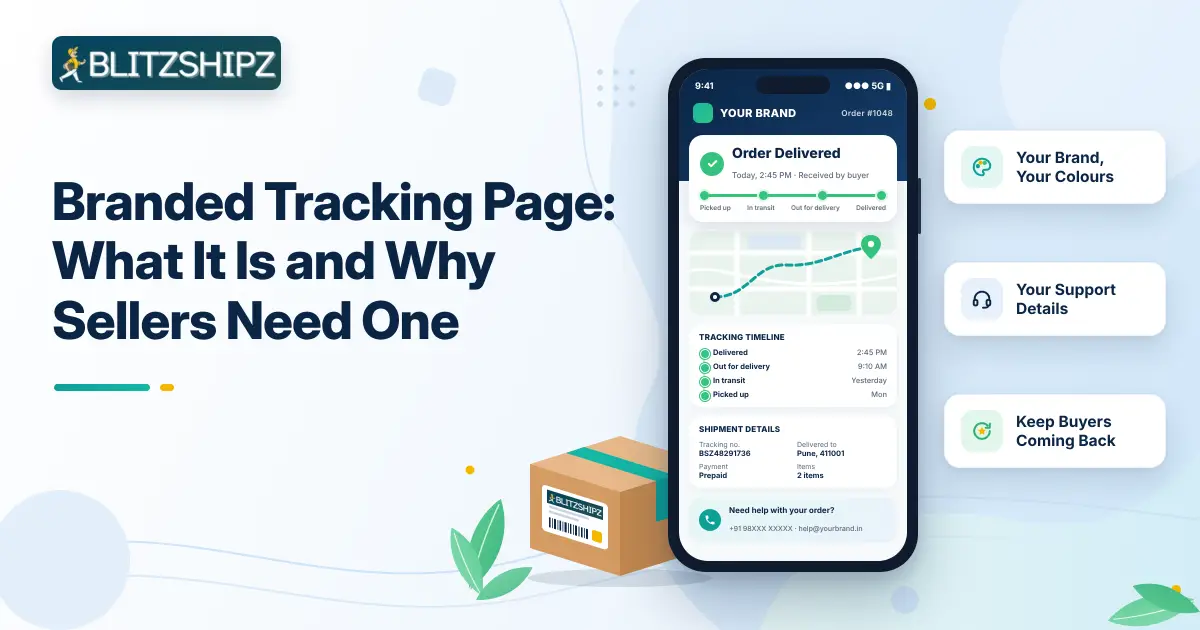
Branded tracking page explained: what to include, how it cuts WISMO queries, and how to add one to your store.
Read More
Tracking status meaning: 30 courier statuses explained in order, plus short forms and what to do when a status is stuck.
Read MoreShipping zones in India explained: the 5 courier zones, how they affect charges, and how to set zones in your store.
Read More